Navigating Mauritius: Is Google Maps Reliable for Tourists?
One of the first questions we get from clients booking a rental car is: “Will my phone work there, or do I need a map?”
The fear of getting lost in a foreign country is real. You don’t want to spend your precious holiday hours arguing over a paper map or taking a wrong turn into a sugarcane field.
The short answer is: Yes, Google Maps is extremely reliable in Mauritius.
However, if you want to drive like a local and avoid traffic jams, there is a better app you should download before you arrive. Here is everything you need to know about navigating our island digitally.
google maps vs waze: the battle of the apps
While Google Maps is fantastic for finding restaurants, reading reviews, and checking opening hours, Mauritian drivers have a secret weapon for actual driving: Waze.
Why do locals prefer Waze?
- Real-Time Traffic: Mauritius can have traffic congestion, especially entering Port Louis or Grand Baie during rush hour. Waze is incredibly aggressive at finding shortcuts through side streets to save you time.
- Speed Camera Alerts: As we mentioned in our Left Side of the Road Safety Guide, Mauritius has many fixed speed cameras. Waze alerts you before you reach them, helping you maintain a safe speed.
- Police Presence: The community is very active, reporting hazards or police checks in real-time.
Our Recommendation: Use Google Maps to decide where to go (finding that hidden beach or restaurant), and use Waze to guide you how to get there.
The “Offline Maps” Trick (Crucial Tip!)
While 98% of the island has excellent 4G/5G coverage, there are beautiful, remote spots where the signal drops.
If you plan on driving through the Black River Gorges National Park or exploring the deep south near Chamarel, your connection might fade.
Before you leave your hotel Wi-Fi:
- Open Google Maps.
- Search for “Mauritius”.
- Tap the profile icon > Offline Maps > Select Your Own Map.
- Zoom out to cover the whole island (it’s small enough!) and hit Download.
Now, your GPS navigation will work perfectly even if you have zero signal.
To use Waze effectively, you need mobile data. Relying on international roaming can be expensive.
We highly recommend buying a local Tourist SIM Card upon arrival. You can find kiosks for my.t (Mauritius Telecom) or Emtel right at the SSR International Airport arrival hall.
- Cost: Extremely affordable (approx. €15-€20).
- Data: Usually includes massive data packages (100GB+) valid for your entire stay.
Do I Need a Physical Map?
Honestly? No. Road signage in Mauritius is in English and follows international standards. Major destinations like “The North,” “Port Louis,” or “Airport” are clearly marked on blue or green highway signs.
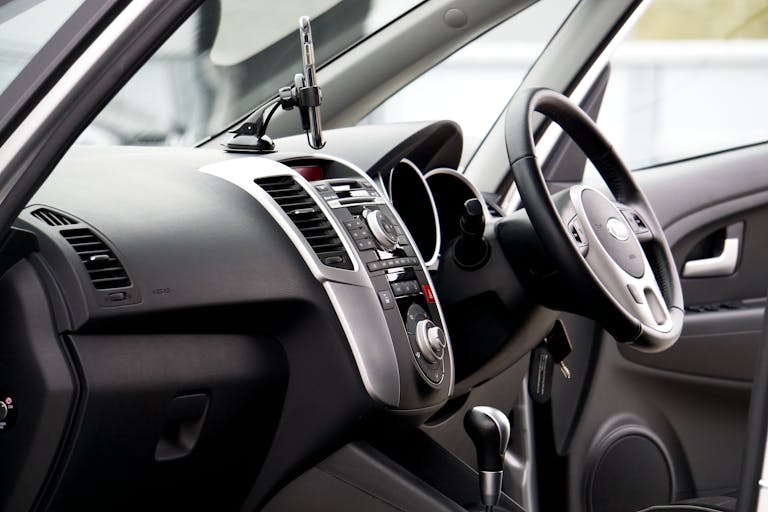
If your battery dies, following the signs is easy. Plus, all Solisla rental vehicles come equipped with USB charging ports, so you can keep your phone powered up while you navigate your Ultimate 7-Day Self-Drive Itinerary.
Drive with Confidence
Getting lost in Mauritius is actually quite hard to do. The island is only 65km long! If you hit the ocean, just turn around.
With a local SIM card and Waze on your dashboard, navigating is stress-free. All you need now is the right vehicle to take you there.
Ready to explore the island on your own terms? Check your dates below and secure a reliable rental car today.